

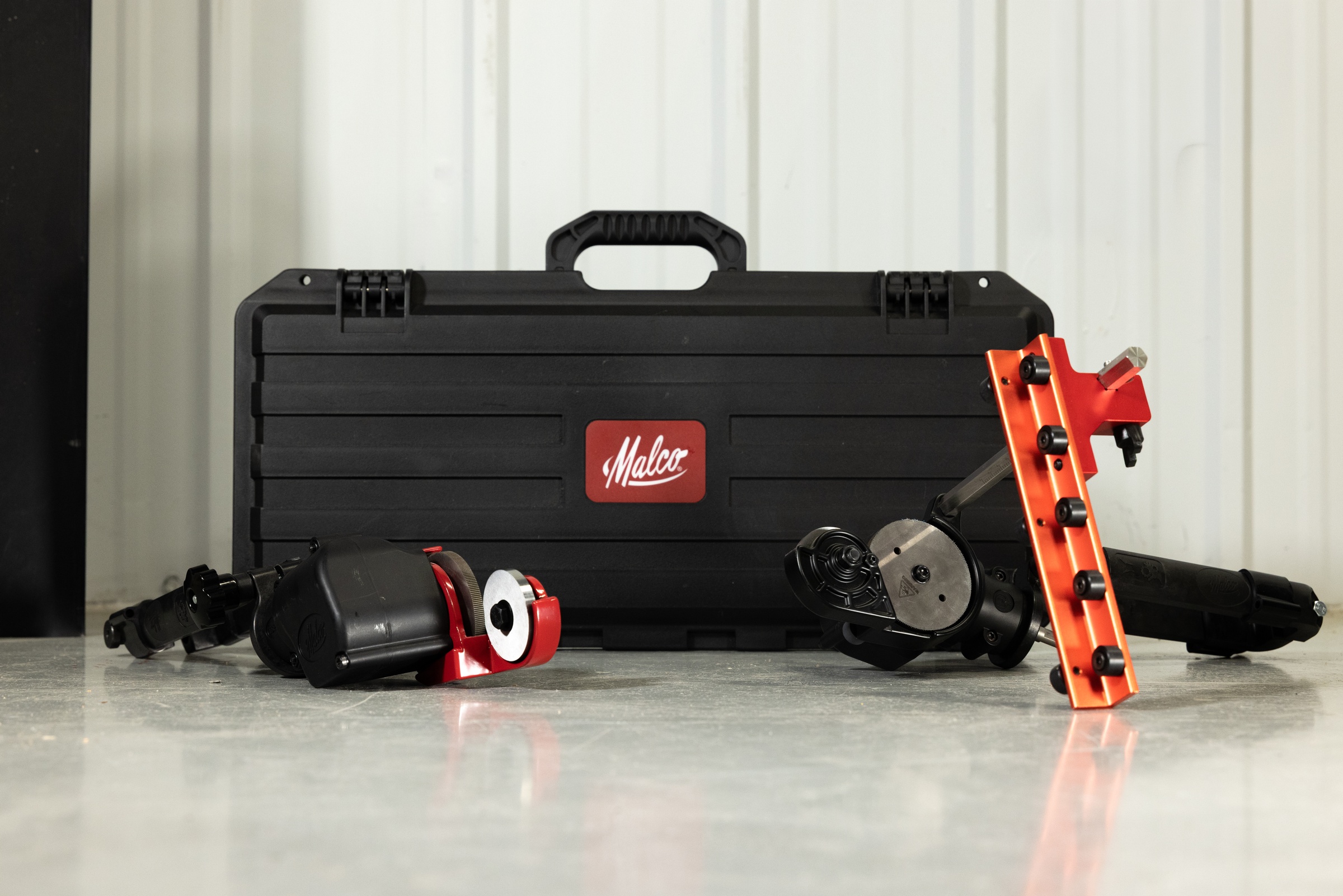


Malco TSPC2 TurboShear Straight Cut Rotary Panel Cutter Kit
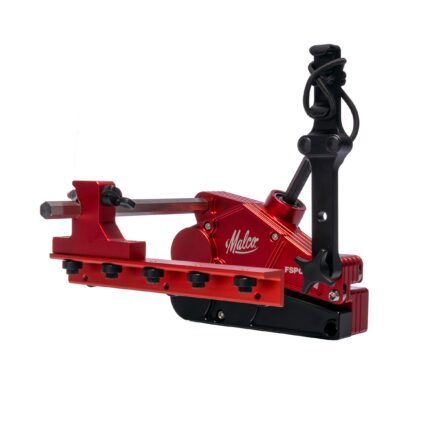
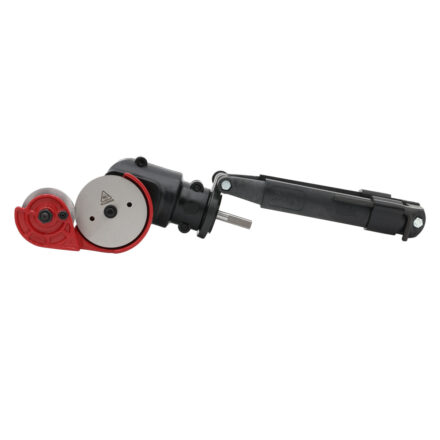
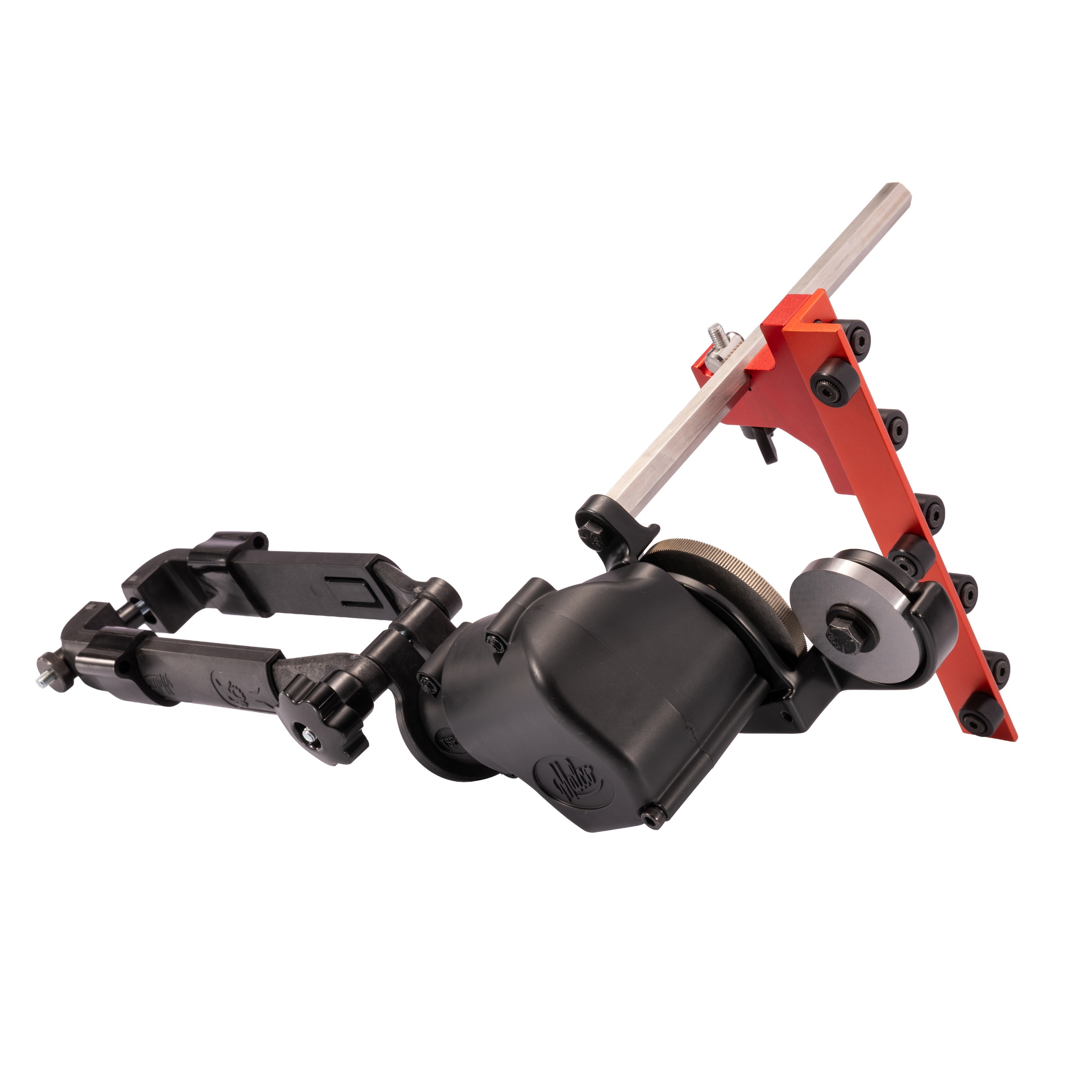
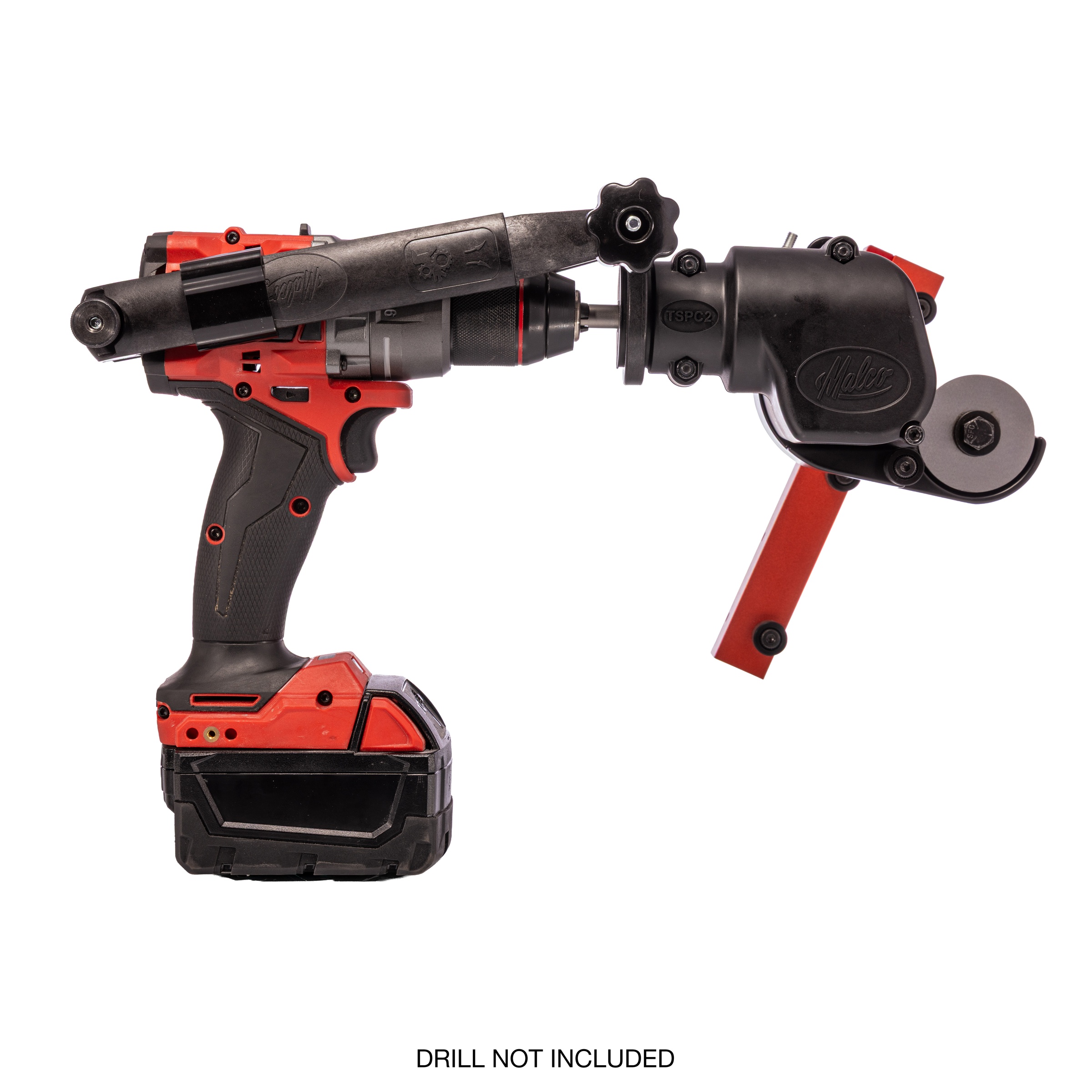
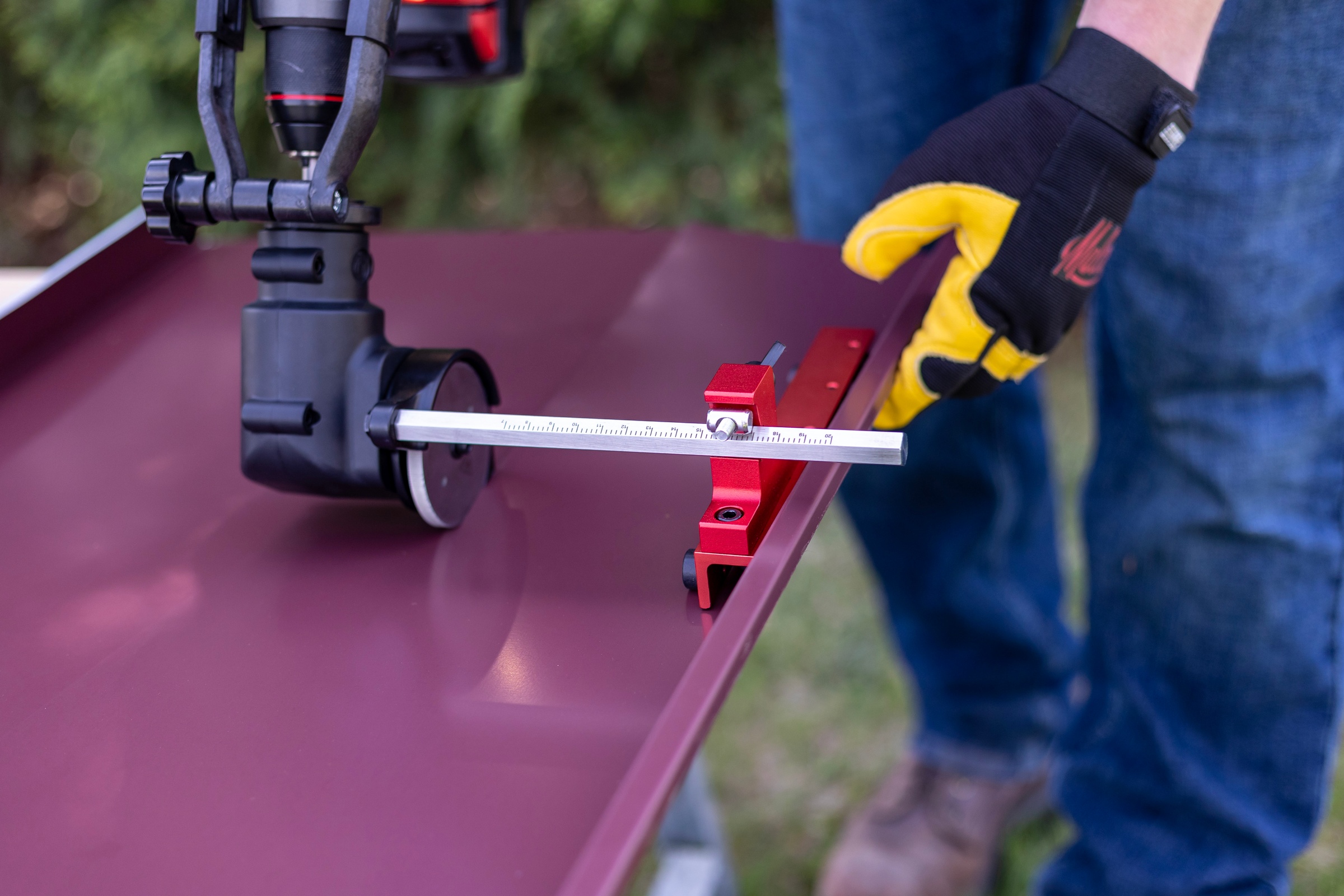
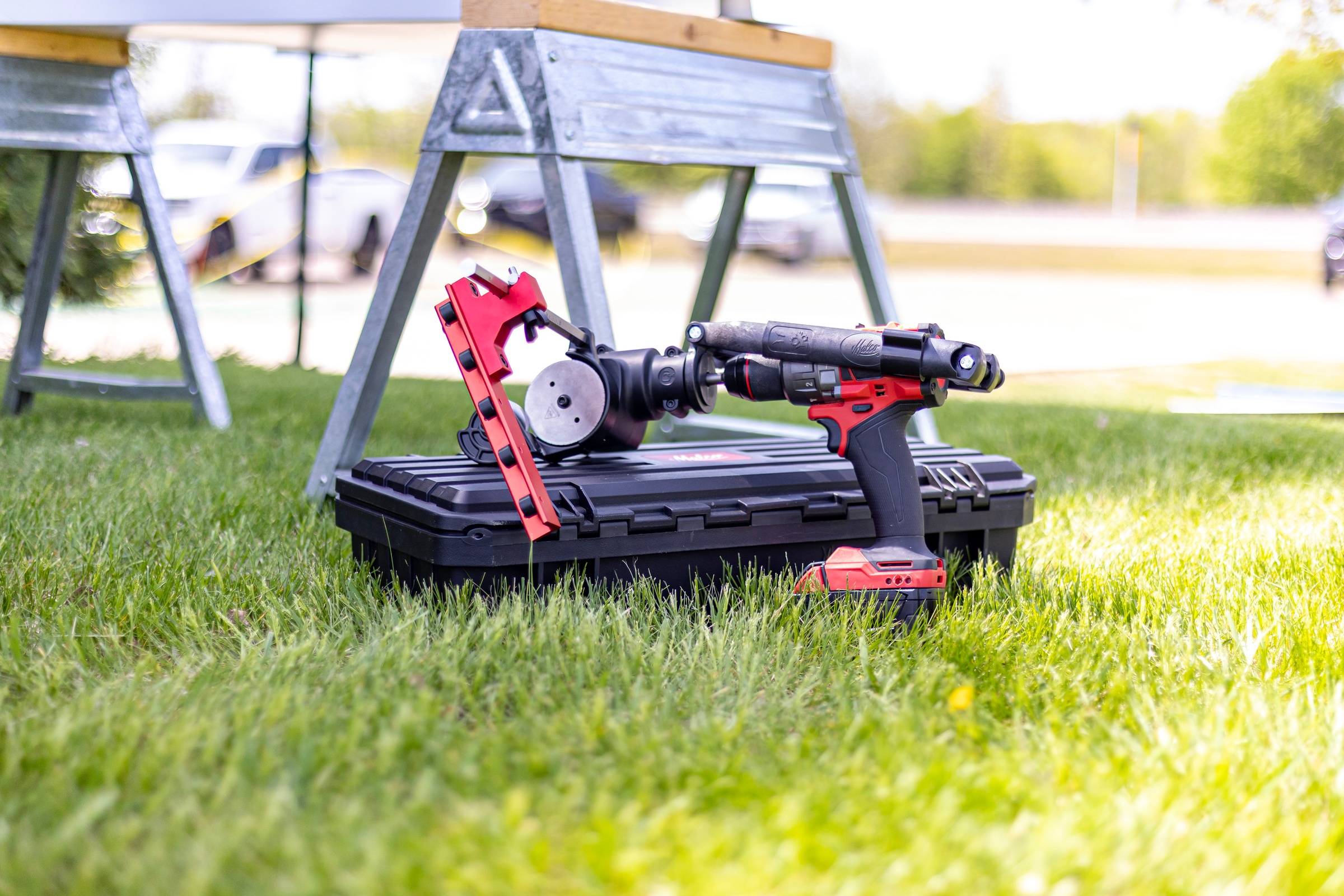
The Malco TSPC2 TurboShear® Straight Cut Rotary Panel Cutter Kit gives Trade Pros one drill-powered cutting system for standing seam, corrugated panel, and even vinyl siding applications. With the removable fence installed, the TSPC2 indexes off either rib of 1 in. or taller standing seam panels to produce straight, repeatable rip cuts without snapping a chalk line. Included 8 in. and 16 in. rails provide flexibility for common panel dimensions, and the resulting cut edge is straight enough for subsequent 90° or 180° bending. Remove the fence in seconds to cut corrugated panels. The cutter handles up to 22-gauge painted steel, 26-gauge stainless steel and .040 in. aluminum using a standard cordless drill. Replaceable hardened high-strength alloy steel cutting discs extend tool life, and the included IP67-rated heavy-duty case protects the system during storage and transport.
Features
- Cuts up to 22-gauge painted steel, 26-gauge stainless steel, and .040 in. aluminum
- Removable fence indexes off the panel rib for straight, repeatable rip cuts on 1 in. or taller standing seam panels
- Includes 8 in. and 16 in. fence rails; fence removes quickly for cutting corrugated panels and vinyl siding
- Powered by a standard cordless drill, eliminating the need for a dedicated motor or separate battery platform
- Replaceable hardened high-strength alloy steel cutting discs and IP67-rated heavy-duty carrying case support long-term jobsite use
FAQs
Q1: What is the primary difference between the TSPC1 and the TSPC2?
A1: The two tools are similar, but the TSPC2 includes a rolling fence accessory that allows the user to rip standing seam panels with exceptional straightness. This rolling fence is not compatible with the TSPC1.
Q2: What speed should my drill be in when using the TSPC2?
A2: For precise cuts, we recommend using speed setting 1 or the lowest available setting, as this provides the slowest cut speed with the highest torque. Users may also choose to cut in speed setting 2.
Q3: Is the TSPC2 compatible with impacts or hammer drill mode?
A3: No. Do not use an impact driver or hammer drill mode when operating the TSPC2.
Q4: Is there a scrap side when cutting roofing materials with the TSPC2?
A4: Yes. The material to the left will have a finished cut, while the material to the right will be the scrap side. Plan your cut direction accordingly.
Q5: What do I do if the bolt holding the upper cutting disc on my TSPC2 loosens?
A5: Apply a medium strength thread locker and retighten the bolt to a snug fit. Note that this bolt will need to be removed during cutting wheel replacement.
Q6: How do I know when to replace my TSPC2 cutting wheels?
A6: First check the gap between the cutting wheels and ensure it is properly adjusted. If the wheels are correctly adjusted but the tool no longer pulls itself through the material or leaves an excessive burr, the cutting wheels should be replaced. Cleaning buildup with a wire brush can help extend the life of the cutting discs.
Q7: Why do my cutting discs look dull after cutting?
A7: The cutting teeth can fill with debris and appear dull when clogged. Use a wire brush to clean the cutting teeth and restore performance.